Premiere Price only until:
- 03Days
- 02Hours
- 34Minutes
- 56Seconds

You've filmed something for your business again. Third attempt this week, and you're still not sure any of them are actually good enough to post.
Maybe you've got a phone full of clips and no idea which ones actually go together. Maybe you filmed something decent and then lost an hour trying to edit it into something that doesn't look amateur. Or maybe you didn't even get that far, because you spent so long deciding what to film that you never picked the phone up at all.
None of that is about talent, or your flat not looking "Instagram enough" or needing a better phone. It's that nobody's ever actually shown you a simple, repeatable way to do this. So every single time, you're starting from scratch, guessing your way through the same decisions you made last week and the week before.
Sound familiar? Here's what's actually going on, and how to fix it.
Right now, every video starts from scratch. What shots to get, how many, what order, how long each bit runs, whether it's even good enough, you're figuring all of that out fresh, every single time you sit down to film.
A while back I started posting videos built around one thing, 6 shots filmed in 60 seconds. They took off more than anything else I'd posted, and DMs started rolling in asking how to do it. Turns out it wasn't the six shots themselves people actually wanted, it was learning to look at their own business and just know what to film. 6 shots in 60 seconds is still in Frame by Frame as one of the practice exercises for building that instinct, but it's not the goal itself, the goal is being able to point that same thinking at whatever you're filming.
Frame by Frame gives you exactly that, a proper way of thinking through what you film, instead of starting from nothing every time.

You get access straight away, and move through it at whatever pace fits your week, not a fixed schedule.
You start by getting your phone and yourself set up properly, no fumbling with settings or shaky footage before you've even begun. From there you build up your actual filming skills, learning to see and capture shots with intention instead of guessing. Then editing, using an app you probably already have, so there's nothing new to learn on top of everything else. And by the end, you've also got a ready reference for what to film next, so you're never starting from a blank page again.
Want to see exactly what's in each part?
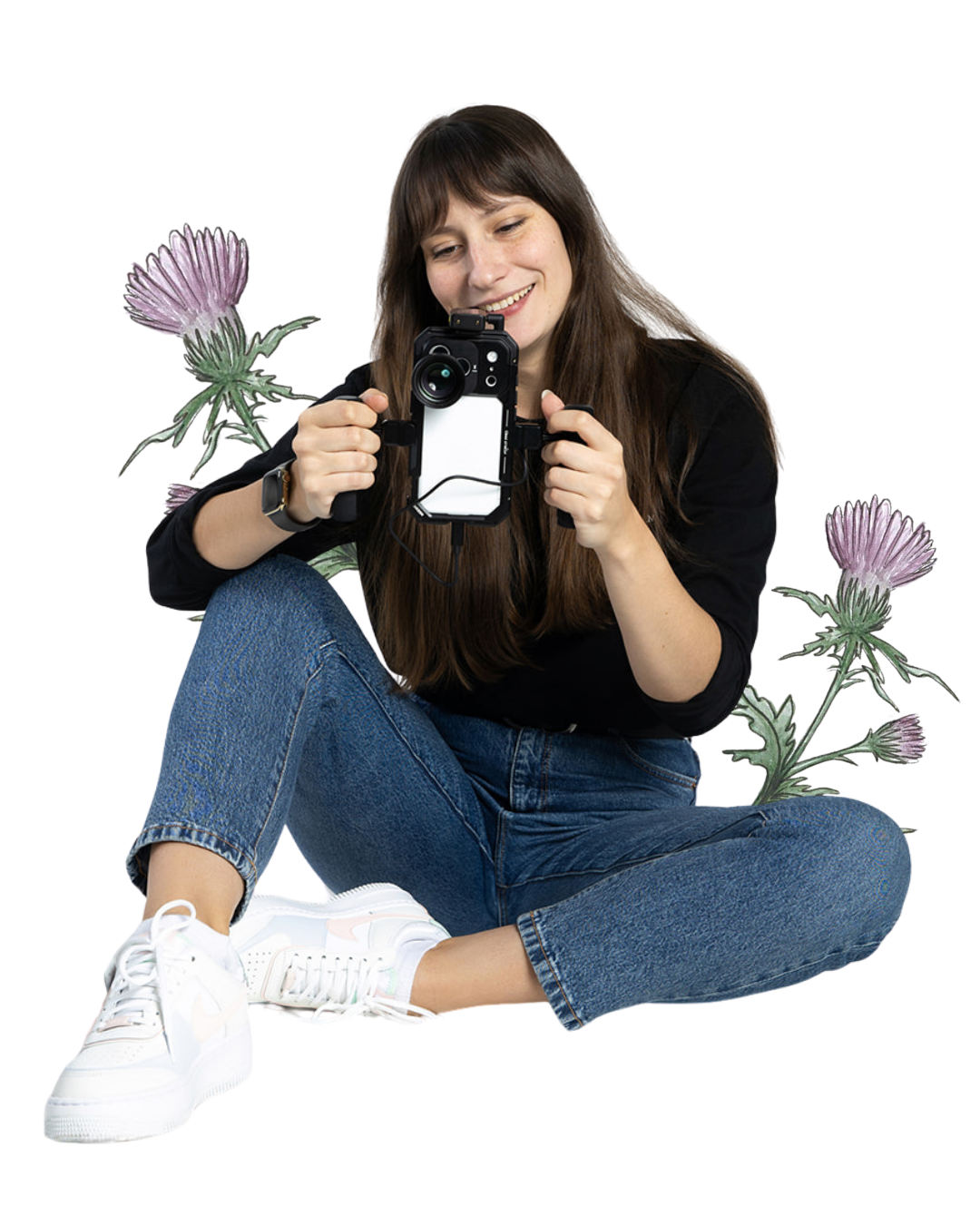
Why me?
It took me years to get here, and most of that time wasn't spent filming, it was spent thinking, planning, and reading about how I was supposed to do it.
That didn't move me forward. What actually changed things was doing it badly, a lot, and slowly working out what mattered and what didn't. One reel used to eat four hours of my evening. Now I've got a process that gets me there in a fraction of that.
I'm teaching you the process I actually use. Filming like this has been a big part of how I built my own Instagram from 281 followers to 50,000. My "6 shots in 60 seconds" reels have hit hundreds of thousands of views, and my videos have brought me clients for strategy and mentoring work, people finding me through what I post and reaching out to work together, that's taken me well past Scotland, I've worked with business owners from all over the world doing this remotely.
It's for you if:
you run a small business and you want to grow it on Instagram with video, whether you've never filmed anything before or you're already posting but not seeing much come back from it.
you're not chasing viral, you want people who see your videos to actually reach out.
you'd rather have one simple way of doing this than another app to figure out.
you're happy to learn it yourself, at your own pace, rather than handing it off to someone else.
It's NOT for you if:
you want a full content and growth strategy rather than just how to film, the mentoring programme is the better fit, this videobook is about the filming and editing skill itself.
you already know your way around phone settings, shots, and framing. This covers the fundamentals, so there won't be much new here if you're past that stage.
you actually want to go through it and practice, not just read through it once, so if you're after instant results without doing the work, this isn't it.
Don't just take my word for it:
Ella @ella.recentering
Carina @villa.pudelwohl
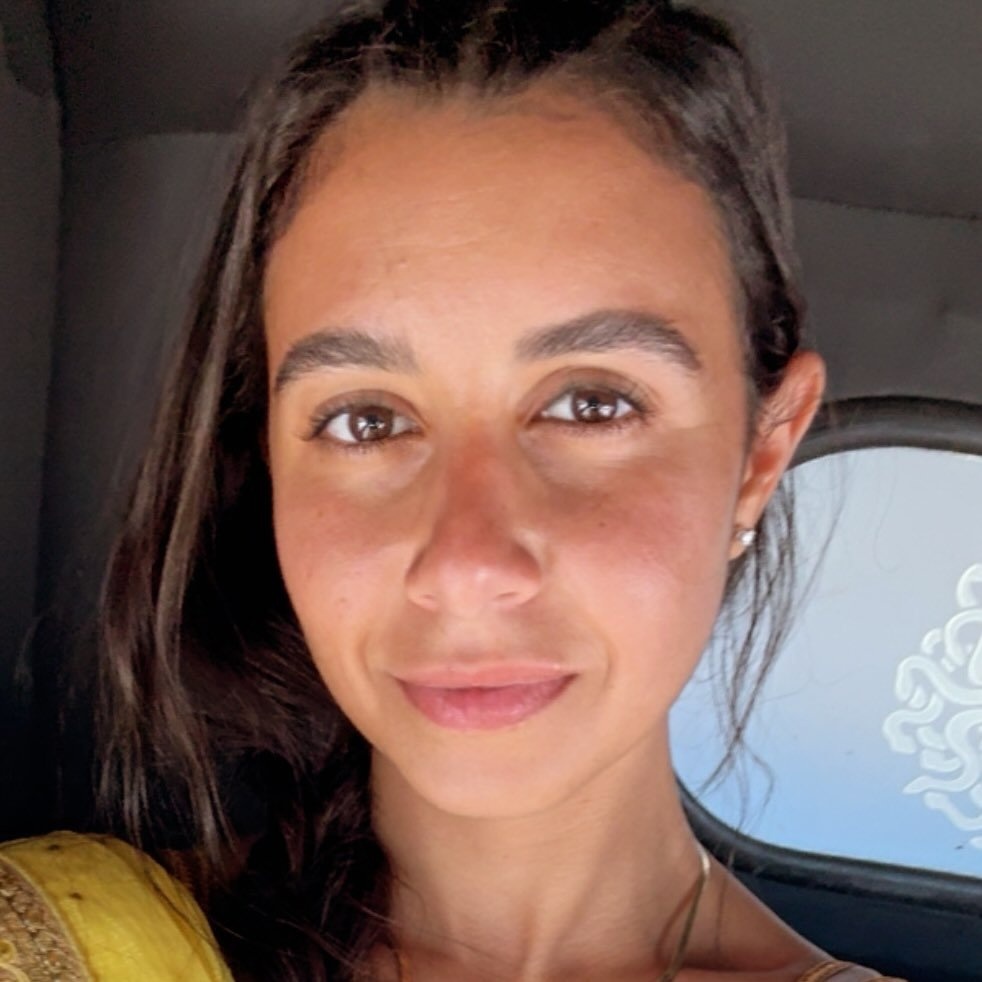
Nour @mowgli.moves
What's inside:
Phone settings
The modes, frame rates, and resolutions that actually matter, and which ones you can just ignore. No more guessing whether you've picked the right one, everything's dialled in before you even hit record.

Stabilisation and movement
How to hold and move your phone so your footage looks steady and intentional, no gimbal or fancy kit needed. This is honestly the difference between footage that looks a bit shaky and amateur, and footage that looks like you actually knew what you were doing.
Shots, frames, angles
Wide, medium, detail shots, framed right. You don't need a beautiful, Instagram-worthy home to make this work, just knowing where to point the camera. It's less about learning to film, more about learning to think in shots, so when you're making something for a client or working on a project, you already know what to capture and why. There's a live outdoor demo filmed in Edinburgh as well, so you can watch the whole "6 shots in 60 seconds" process happen in real time.
Editing in the Edits app
Editing in the Edits app
Instagram's own editing app, the one you've probably already got sitting on your phone. You'll learn the handful of tools that actually matter, instead of getting lost trying to figure out what half the buttons even do.

What to film (bonus)
A reference list of content ideas sorted by business type, as well as universal ideas adaptable to every niche, so you're never sat there staring at your phone wondering what on earth to shoot next.
Batching and planning (bonus)
A quick bonus on turning one filming session into a whole week of content, so you're not starting from scratch every single time you sit down.
Access & updates:
A year of access, and updates are included. I've already got a list of what's coming by the end of this year:
- Transitions (15th of September)
- Creative editing (keyframes, masks, and more advanced techniques for full creative control)
- Talking head videos
And I'll keep adding to it based on what actually helps people using it.
Whatever gets added while your year's active, you get it too, no extra charge.
Bonus
The first 10 people who buy during premiere get personal feedback from me, on video.
Post your first attempt in the community and give one other person feedback, and I'll send you a short video response of my own, usually 2-5 minutes, within 30 days of you buying. After the first 10 spots are gone, everyone else still gets the community and the peer feedback that comes with it, just not this one from me directly.

Here's everything you'll get:
The full Frame by Frame videobook, phone settings, stabilisation, shot practice and framing, editing in the Edits app, content ideas by business type, and the batching bonus.
A year of access, with anything new added during that year included at no extra cost.
A space in the community to post your videos, get feedback, and see how everyone else is getting on.
And if you're one of the first 10 premiere buyers, a personal video response from me once you've posted and given feedback yourself.
The earlier you get in, the more you get for your money.
Frame by Frame gets pricier as I add more to it. Buy now and you're locked in at today's price, plus you get everything I build into it over your first year, completely free.
Premiere Price only until:
- 03Days
- 02Hours
- 34Minutes
- 56Seconds
£89
£69
The Videobook: Instant, full access to all video material.
Future Updates: Every new chapter and style added this year.
365-Day Access: A full year to learn at your own pace. Then just £15/year.
The Community: Connect and grow with fellow students.
VIP
£268
Only 3 spots available
Want more support alongside this? A few spots are open for VIP, one month of direct, 1:1 access to me while you work through it:
45-minute kickstart call to go through your business and what you want to get out of it
Personal feedback on your videos as you go
Next Level Bonus - if you catch the techniques faster than 1 month, I'll show you more advanced ideas to try and test out (also reviewed by me)
Still not sure?
My flat isn't exactly Instagram-worthy, is that going to be a problem?
Not at all! You'll learn how to frame shots so what's around you barely matters, plenty of great footage gets filmed in a normal room, at a normal desk, even next to the washing up. It's about where you point the camera, not what your space looks like.
I don't have time to sit and edit for hours, is this Videobook going to help me with that?
That's the exact problem I want to solve. Once you've got a script or plan sorted, filming and editing stops being a guessing game and starts being quick, because you're not making dozens of decisions from scratch every time.
What if I buy this and it just sits there, like courses I've bought before?
Fair worry, plenty of people have been burned by that. This one's different because you're not on your own with it, you'll be in the community posting your videos and getting feedback, and the videobook itself keeps growing with new modules over time, so there's always a reason to come back to it.
Do I need decent kit, a tripod, ring light, that kind of thing?
No. Everything's built around just your phone. There's a whole section on stabilisation and movement so your footage looks steady without buying anything extra.
Do I need to set aside a big chunk of time to go through the videobook?
The core lessons run about two hours, plus a bit more if you go through the extra materials, so you're looking at roughly two and a half - three hours total. That's deliberate, you've got enough on your plate running a business without sitting through an eight-hour course to learn how to film a video.
After that, it's practice, and that's really up to you, it's the same filming time you'd be spending anyway, just with an actual process behind it now instead of guesswork. The more you put in, the quicker it clicks and the better you get, same as with anything. Some people feel comfortable after a handful of goes, others take a bit longer, and that's completely normal.
What if my business doesn't fit neatly into one of the content idea categories?
There are ideas split by business type, plus general ones that work whatever you do, so you're covered either way, not just if you happen to match a specific niche.
Do I need an iPhone, or does this work on Android too?
Either works for filming and editing. The phone settings section is filmed on iPhone, since every Android brand shows menus a bit differently, but the settings themselves are easy to find on any phone once you know what you're looking for. And if you're stuck you can always ask in the community too.
How long do I get access?
You get full access to everything for a year. Video apps constantly release updates, and social media trends shift fast. To keep you ahead, I regularly update the videobook with new app tutorials, techniques, and styles. Keeping your access and updates after year one is just £15/year. You're in total control and can cancel anytime.
What if I have more questions?
Just drop me a message on hello@moniavid.com or on my Instagram: @monia.vid and I''ll try to help you.
You've already got everything you need:
a phone, a space that works, a business worth showing.
What's missing is knowing how to look at what's in front of you and see it in shots, and having a plan so you're not starting from nothing every single time you sit down to film. That's what Frame by Frame actually gives you.
Have some more questions?
Fill out the form, I'll be in touch soon!
You can also reach out to me via:
hello@moniavid.com
Instagram: @monia.vid
Copyright ©2026 Monia.vid. All Rights Reserved